
Installing the Pokemon Reloaded APK takes about five minutes once you know the two Android settings that trip everyone up. This guide walks through each step with the exact screens you will see.
Before you start
You need an Android phone running 5.0 or newer and about 150 MB of free space. The APK itself is 58.2 MB; Android needs breathing room during installation. A Wi-Fi connection makes the download faster, but any stable connection works.
Step 1: Download the APK
Open the download page on this site and tap the download button. Your browser will warn that the file might be harmful; that warning appears for every APK downloaded outside the Play Store. Keep the file and let it finish completely. A half-downloaded file is the most common cause of install errors.
Step 2: Allow installs from your browser
Android blocks installs from outside the Play Store until you allow them per app. Open Settings > Apps, tap the browser you used, choose Install unknown apps, and turn on Allow from this source. You only do this once.
Step 3: Run the installer
Tap the finished download in your notification shade, or find pokemonreloaded.apk in the Downloads folder. Tap Install on the prompt. If Play Protect shows a warning, tap More details and then Install anyway. The file here is scanned before the button goes live.
Step 4: Launch and start your adventure
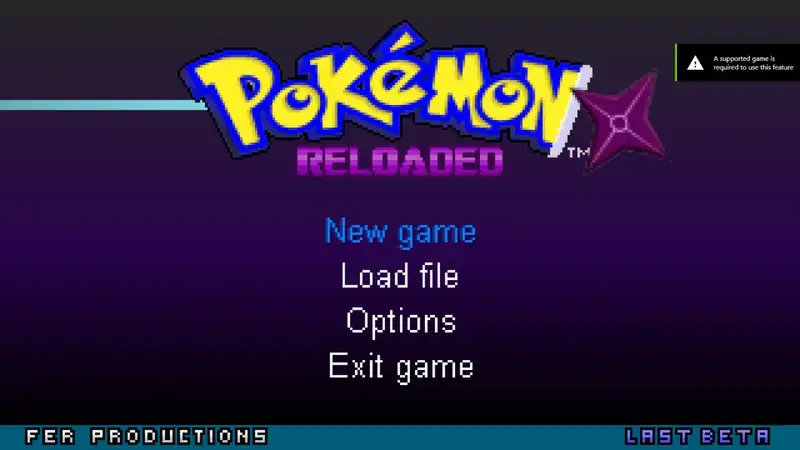
Open the game from your app drawer. The title screen offers New Game; pick it, choose your starter, and you are on the trail. Your progress saves to the device automatically as you play. For first-hour strategy, the beginner tips guide covers team building and early routing.
If something goes wrong
Parse errors almost always mean an incomplete download; re-download and confirm the full 58.2 MB size. "App not installed" usually means an older copy is already on the phone; uninstall it first. The full error-by-error list is in the not-installing fixes, and the safety breakdown explains what the warnings mean.