
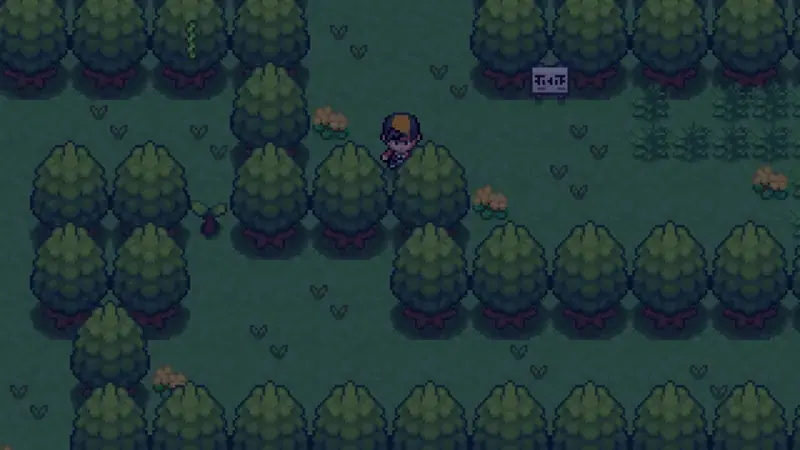
The current build served here is the latest one, but older Pokemon Reloaded for Android releases float around the internet. Here is when reaching for one makes sense and when it does not.
Why people want old versions
Three reasons come up: a favorite feature changed, a new build has a bug on a specific phone, or an old save only loads on the version that made it. All three are legitimate some of the time.
The trade-offs
Old builds miss bug fixes, balance patches, and content additions. Worse, saves are not guaranteed to transfer forward or backward; an old save on a new build, or a new save on an old build, can corrupt. And old files from random mirrors carry the repackaging risk described in the safety guide.
Our recommendation
Use the current build unless you have a specific, tested reason not to. If a new version misbehaves on your phone, report it to [email protected] with your model and Android version so it can be reproduced, then try the install fixes before downgrading.
Not sure which build you have? Check the version row in the app information table on the homepage and compare it with the file details on the download page. If the rows match what is served here, you are current and there is nothing to fix. If your installed copy is older and everything runs fine, there is no urgency either; update when you are ready, not simply because a number changed somewhere else.