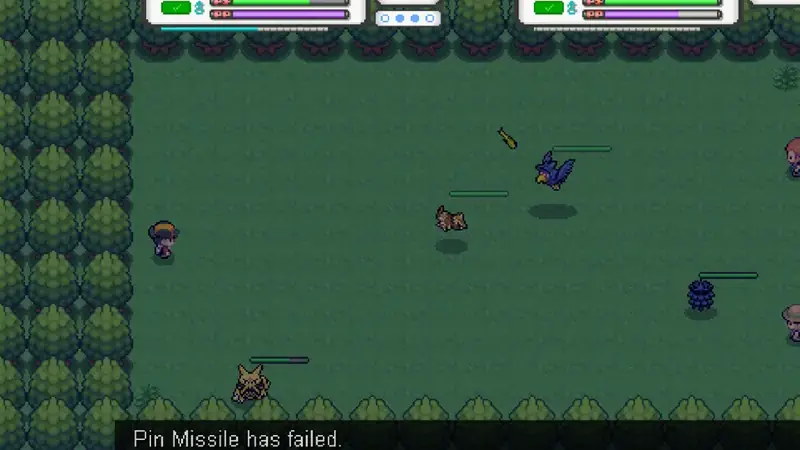
Pokemon Reloaded download on the big screen is a great fit: pixel art scales beautifully to a TV, and real-time combat feels natural with a controller. Setup takes ten minutes.
Sideloading the APK
Android TV has no browser download flow like phones, so use the Send Files to TV style approach: download the APK on your phone from the download page, send it to the TV over your local network, then open it with a file manager that can install APKs. Enable Install unknown apps for that file manager in the TV settings first.
Controller setup
Pair a Bluetooth gamepad in the TV Bluetooth settings. The game maps movement and actions to the standard layout; if buttons feel wrong, most TVs let you remap in the Bluetooth device options. A controller with a proper D-pad suits the pixel-art movement best.
Display and performance
Set the TV to game mode to cut input lag, which matters a lot for real-time dodging. If the picture looks stretched, check the TV aspect settings rather than the game. Long sessions on a TV box can warm the device; the battery and heat tips apply to TV boxes too, minus the battery part.